
Helena Fernández
Miralpeix
 Projects
About
Projects
About



Confidential SaaS
Appointment Management
Operational UX
Calendar Logic
Functional Requirements
Role-based workflows
Development handoff
Confidential SaaS case study · Operational UX · 2023-2024
Helena Fernández
Miralpeix
Product Designer
UX/UI
Operational UX
Confidential
Lead Developer
Lead Developer
Confidential
Developer
Developer
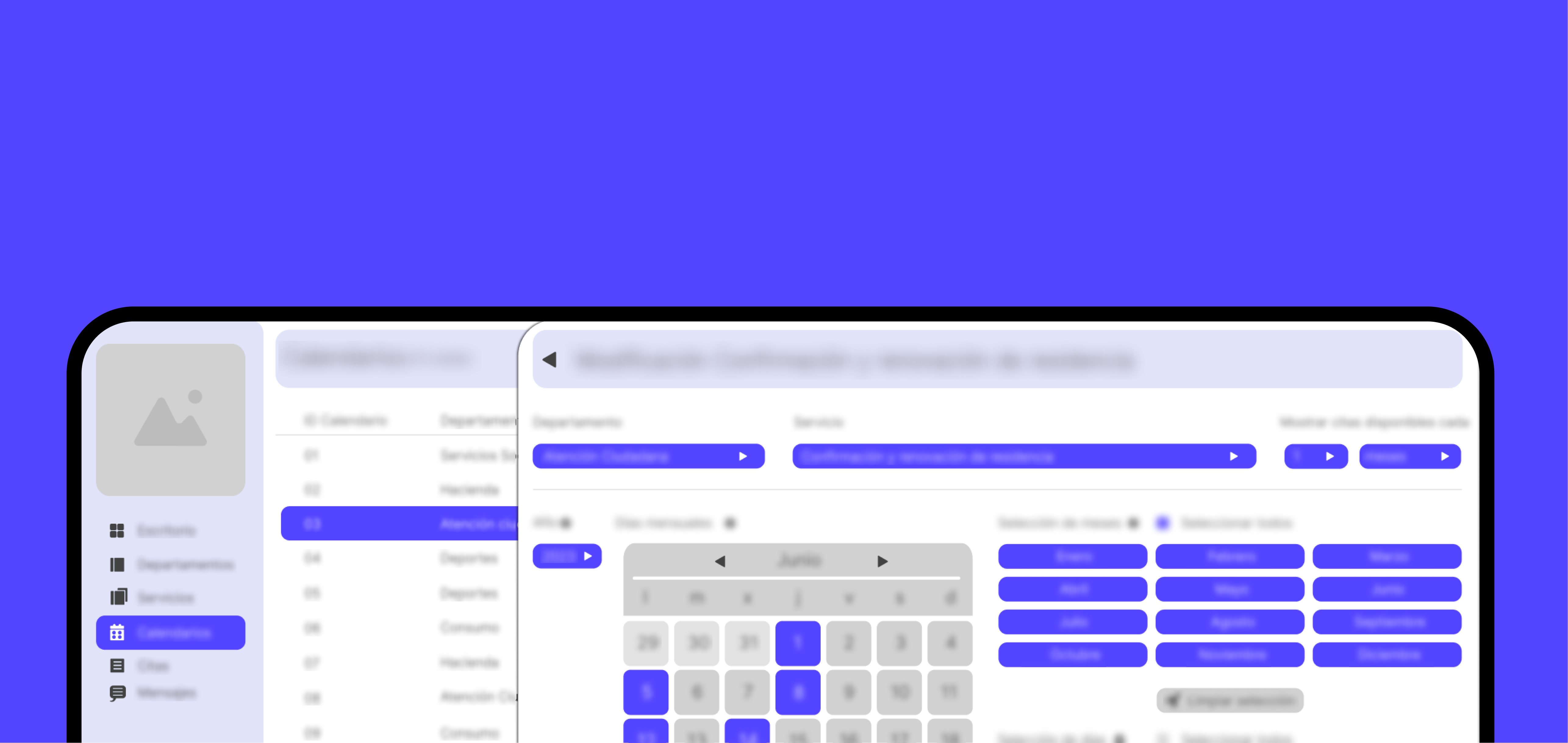
Appointment Pro is a confidential SaaS project focused on adapting an existing operational platform into a centralized workspace where employees can coordinate calendars, services, appointments, tasks, documentation and daily workflows.
Due to confidentiality, company details, business data and identifiable screens have been omitted, blurred or abstracted.
This case study focuses on my role, product reasoning, UX structure and functional documentation.
Overview
What the product is about
Appointment Pro is a confidential SaaS project focused on turning a rigid appointment-management plugin into a more flexible operational platform for service-based entities.
The work centered on understanding the existing system, mapping workflows and translating operational needs into a scalable product structure that could support departments, services, calendars, bookings, communication and future configuration rules.
A backoffice platform for managing appointment workflows across services, departments and professional teams inside different entities.
The goal was to make calendar rules, service setup, appointment states and internal coordination easier to understand and maintain.
My role focused on product structure, UX logic, workflow mapping, functional requirements and implementation documentation.
Discovery & audit:
Reviewed the existing appointment logic and identified where the platform needed more flexible rules.
Workflow mapping:
Mapped employee actions, data relationships and booking lifecycle states.
System structure:
Defined modules for departments, services, calendars, appointments, messages and reporting.
Implementation:
Prepared functional documentation and design rationale to align implementation.
A product structure project focused on improving how organizations configure services, calendars and appointments.
The scope connected product reasoning, UX structure and development-ready documentation.
I collaborated closely with the development lead to keep product logic, technical feasibility and implementation decisions aligned.
Platform Audit
Phase 1.1 · Legacy logic and system constraints
Before designing the new appointment-management experience, I first needed to understand how the existing operational platform worked and where the previous booking logic was creating friction.
The platform already supported appointments, but its calendar rules, permission model and service configuration were too rigid for the needs of service-based teams. The goal was to identify what could be reused, what needed to evolve and where the system required a more flexible product structure.
Availability rules were difficult to adapt by date, weekday, recurrence or service-specific needs, making calendar management too rigid for real operational use.
The previous permission model relied too heavily on broad administrator access, making it harder to define who could manage specific services, calendars or bookings.
Departments, services, instructions, locations and appointment rules needed a clearer structure to match how operational teams actually worked.
Project Hub
Phase 1.2 · Requirements, decisions and delivery checkpoints
Keeping the early stage of the project organized was essential. I used Notion and FigJam to connect the project brief, goals, functional requirements, platform analysis, information architecture and product decisions before moving into interface design.
This working hub included:
This helped create a shared source of truth for the project, making decisions easier to review, explain and align before implementation.

Product Findings
Phase 1.3 · What needed to change
The discovery process helped clarify the main areas where the product needed to evolve from a basic booking tool into a more flexible operational system.
These findings helped define where the product structure needed to become clearer: service setup, booking states, user responsibilities and configuration rules all had to work together instead of behaving like isolated features.
Workflow Mapping
Phase 2 · User actions, system entities and data movement
Once the main requirements and platform constraints were clear, I mapped how the backoffice entities and employee actions connected across the system.
This included use charts, user flows and data-flow logic for departments, services, calendars, bookings, appointment users, notifications and appointment states.
The mapping became the bridge between functional requirements and interface design, helping turn complex operational logic into a structure that could be reviewed, explained and implemented.
Backoffice Requirements
Phase 3 · User stories, data fields and acceptance criteria
The backoffice needed to support much more than appointment booking. It had to give operational teams control over global settings, services, calendars, locations, bookings, notifications and automated communication.
Part of my work was to help translate these operational needs into user stories, acceptance criteria, data requirements and functional logic that could guide both interface design and development.
User Roles
Operational needs and access logic
User Roles & Operational Needs
The platform was not designed for a single generic user. It needed to support different operational roles, each with different responsibilities, access needs and daily tasks.
This role-based analysis helped define what each profile needed from the system and how those needs affected navigation, permissions, data visibility and workflow design.
Person who configures the global system.
Control master data, permissions, configuration, templates and maintenance.
Person responsible for a service, department or area.
Manage services, calendars, availability and appointment rules.
Worker who handles or manages appointments.
Check agendas, review bookings, edit data and follow daily tasks.
Person who helps appointment users or manages incidents.
Search appointments, edit bookings, cancel, print or resolve questions.
External user who requests an appointment.
Choose a service, book, receive confirmation and reminders.
Because the external appointment frontend was already partly developed, the project focus was mainly on the backoffice experience and internal operational roles.
Backoffice Architecture
Phase 4.1 · Core modules and navigation logic
After defining the functional scope, the platform was organized into six main navigation areas. Each module translated a set of requirements into a more usable backoffice structure for daily work.
This structure helped separate global configuration, service setup, calendar logic, appointment management and communication into clearer areas, making the platform easier to understand, document and scale.
Main overview where employees can see appointment status, pending tasks, unresolved items and daily workload.
Structured view of operational areas, responsibilities, key contacts and each department's role in service management.
Detailed service information, including description, availability rules, duration, requirements and responsible team.
Appointment-related communication through confirmations, reminders and notifications to improve attendance.
Centralized management of each booking, including appointment user data, service, date, status, changes and follow-up.
Daily, weekly and monthly views to manage availability, filter appointments and plan agenda capacity.
Helps teams organize and plan appointments across different service areas, departments and professional areas.
Allows the system to adapt to the needs of each area, department or service without redesigning the entire platform.
Supports reminders, confirmations and internal notifications to improve coordination between appointment users and service teams.
Gives employees clearer paths to manage appointments, calendars and daily tasks with fewer unnecessary steps.
Provides reports and appointment analysis to understand scheduling activity, workload and system usage.
Operational Value
Phase 4.2 · What the structure enables
The platform structure was designed to make daily operations easier to manage, while keeping the system adaptable for different services, departments and future clients.
Each value area connects product structure with daily operational needs, helping teams configure services, coordinate bookings, communicate changes and understand workload without adding unnecessary complexity.
Implementation Alignment
Phase 5 · Product logic, documentation and delivery checkpoints
Documentation was essential to align product logic, user flows, functional requirements and development decisions across a complex operational system.
My role focused on preparing the product logic, workflow structure, requirements and design rationale the development team needed to understand what had to be built and why each decision mattered.
Regular delivery checkpoints with the development lead helped validate technical feasibility, reduce interpretation gaps and keep the implementation aligned with the product structure.
This made the system easier to understand, build and evolve in future iterations.
Defined how the main modules, actions and states should work across the backoffice.
Helped the development team understand the system behaviour beyond isolated screens.
Mapped the steps employees needed to complete key tasks such as managing bookings, configuring calendars or reviewing service information.
Reduced ambiguity around how users should move through the platform.
Documented what each feature needed to support, including fields, actions, filters, states and validation rules.
Made each module easier to estimate, build and validate.
Organized the relationship between departments, services, calendars, bookings, appointment user data and notifications.
Helped align interface structure with the underlying data model.
Explained why certain decisions were made and how they responded to operational needs or platform constraints.
Gave the team context, not just instructions, reducing interpretation gaps.
Reviewed each stage with the development lead before moving forward.
Kept product decisions aligned with technical feasibility throughout the process.
Prepared structured documentation so developers could follow the logic, flows and requirements without depending on scattered conversations.
Created a clearer source of truth for implementation and future iterations.
Project Takeaways
What this project proves
Appointment Pro shows my ability to turn complex operational requirements into a clear product structure that can be understood, designed and implemented.
The project was not only about designing an appointment interface, but about translating operational service needs into a scalable SaaS structure that could support calendars, bookings, communication, data and daily employee workflows.
It also reflects the way I work in product environments: organizing ambiguity, documenting decisions and connecting UX structure with development logic.
Reflection
Looking back and looking forward
Appointment Pro was not only about designing an appointment-management interface. The real challenge was translating operational complexity into a structure that could be understood, configured and implemented.
The most valuable part of the process was creating clarity before interface design: auditing the existing platform, defining requirements, mapping workflows, organizing data relationships and documenting decisions for development.
This project reinforced an important idea: in operational products, good UX depends on system logic. Roles, permissions, states, data flows and rules are part of the experience.
In this project, the work focused on:
If the project continued, the next step would be validating the proposed workflows with internal users and testing whether the structure supports real daily operations: configuring calendars, managing appointments, reviewing appointment user data, handling changes and maintaining continuity between employees.
Future iterations could focus on permission refinement, dashboard prioritization, advanced reporting, notification logic and stronger traceability across the booking lifecycle.
The opportunity would be to evolve Appointment Pro into a flexible operational SaaS system that can adapt to different services, teams and appointment workflows without losing clarity.
Product
Meal planning mobile app focused on food learning, recommendations and MVP UX.
Product
Marketplace UX redesign for clearer property search, comparison and decision-making.
Confidential SaaS
Operational UX for tickets, appointments, schedules, tasks and employee workflows.
Confidential Website
Public service website focused on clear information and accessible navigation.
Website
Event website and cultural communication structure for an awards experience.
Product
Sensory wellbeing wearable ecosystem for emotional awareness and calm interaction.
Product
Voice-first assistant concept for hands-free robotic support in extreme environments.